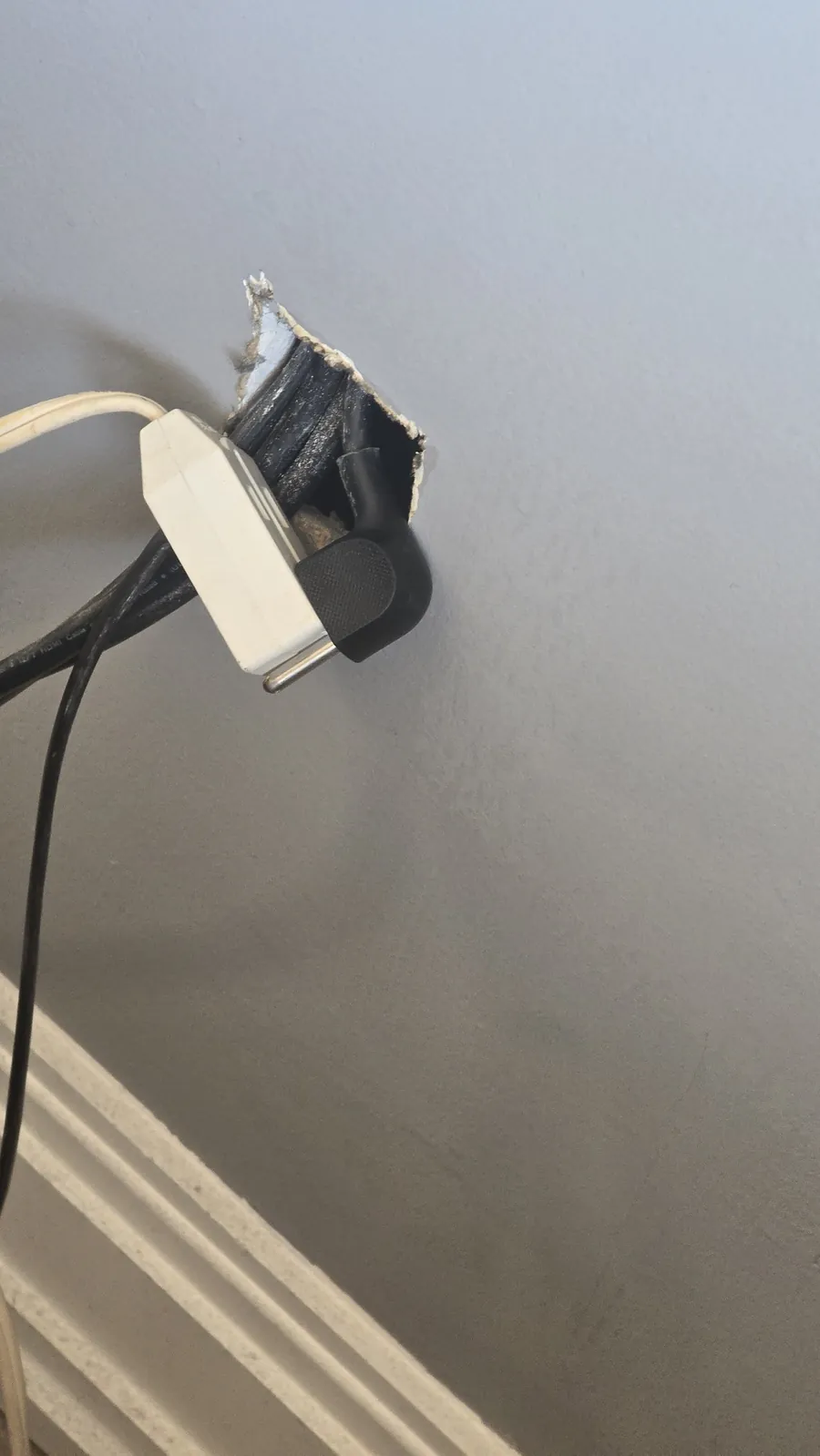
Can you hide a regular power cord inside the wall? (Absolutely not)
Article 400.12 of the National Electrical Code (NEC) lists the ways flexible cords and cables — including extension cords and power cords — must not be used. One of them: running them through walls, ceilings or floors, or hiding them behind walls.
A regular household cord doesn't have heat-resistant insulation and isn't protected from physical damage. Contact with insulation or the paper facing of drywall could potentially start a fire. It may seem like a handy, cheap fix, but it's against code and seriously dangerous.
Brush wall plates and cable pass-through plates
These look like two decorative plastic plates with nothing connecting them. They usually cost about $10–20. Kits like these are only for low-voltage cables, like HDMI. You can't use them to hide a regular power cord or an extension cord inside the wall.
Technically, that's still the same bare power cord dangling inside the wall with no protection at all.
In-wall power kits (PowerBridge-style)
A kit like this works like an extension cord turned inside out — and the electrical code is fine with it. What runs inside the wall isn't a regular cord but cable rated for concealed installation (usually standard NM-B “Romex”-type power cable or its equivalent, with a tougher protective jacket). It handles the heat inside a wall and is safe in contact with insulation.
The kit should be officially tested and certified by a safety lab — look for a UL Listed or ETL Listed mark. Kits like these cost $70–150. To install one you'll need a drill or a drywall saw, depending on the shape of the outlets in the kit. For round outlets, manufacturers include a hole saw that fits a regular drill chuck.
If you use a saw, go with a hand saw, not a power saw — otherwise you might not notice you've cut through a pipe or a bundle of wires inside the wall. If you're drilling with a hole saw, keep the speed low. Otherwise the drill can bind and hurt your wrist.
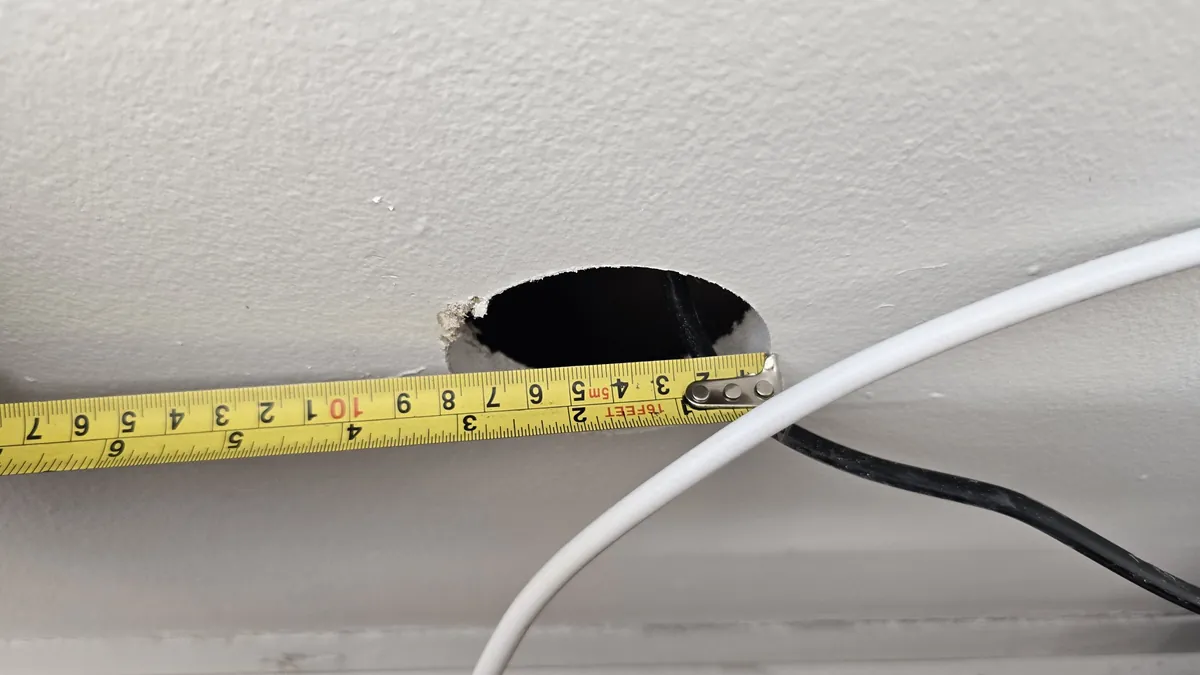
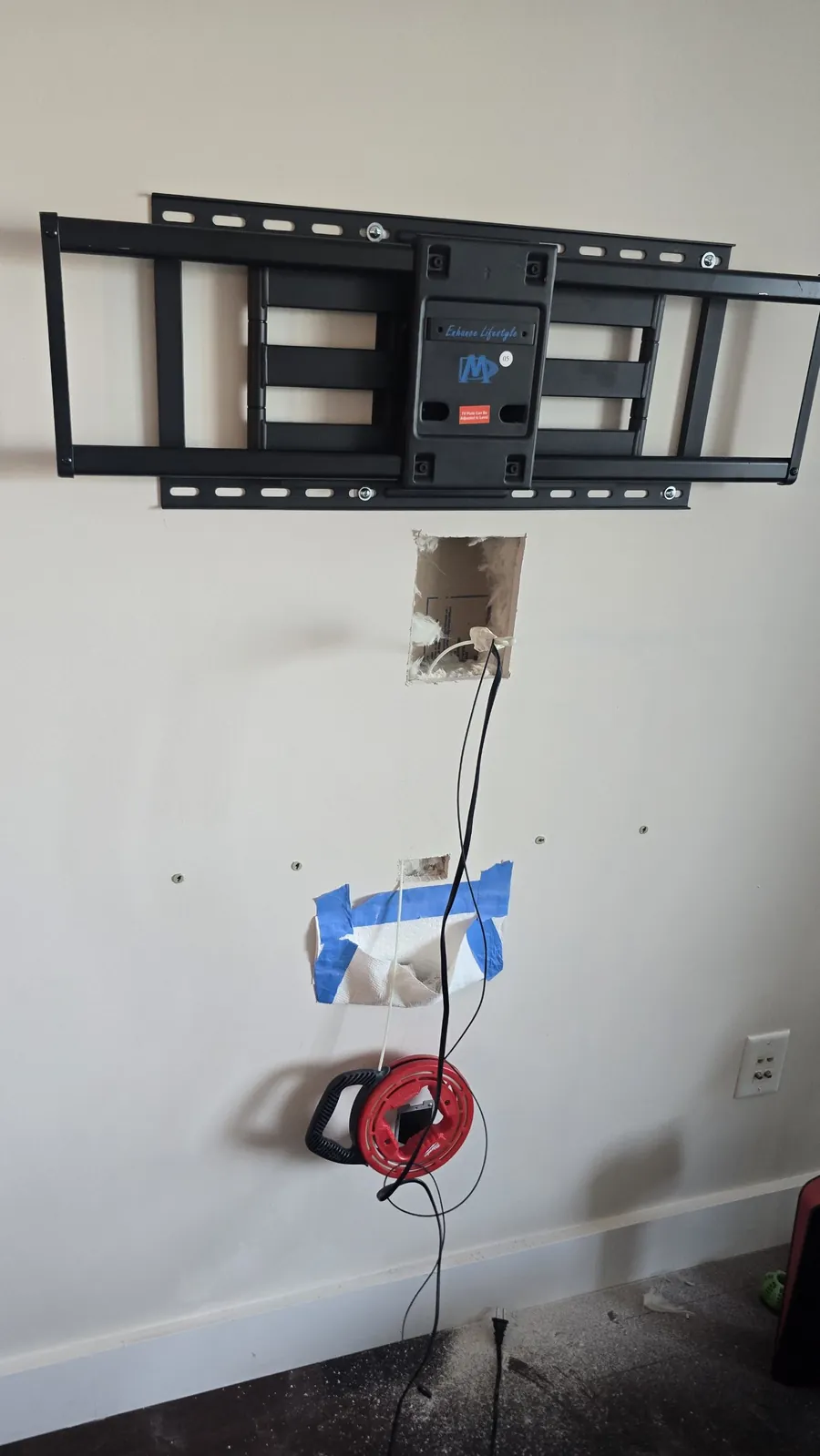
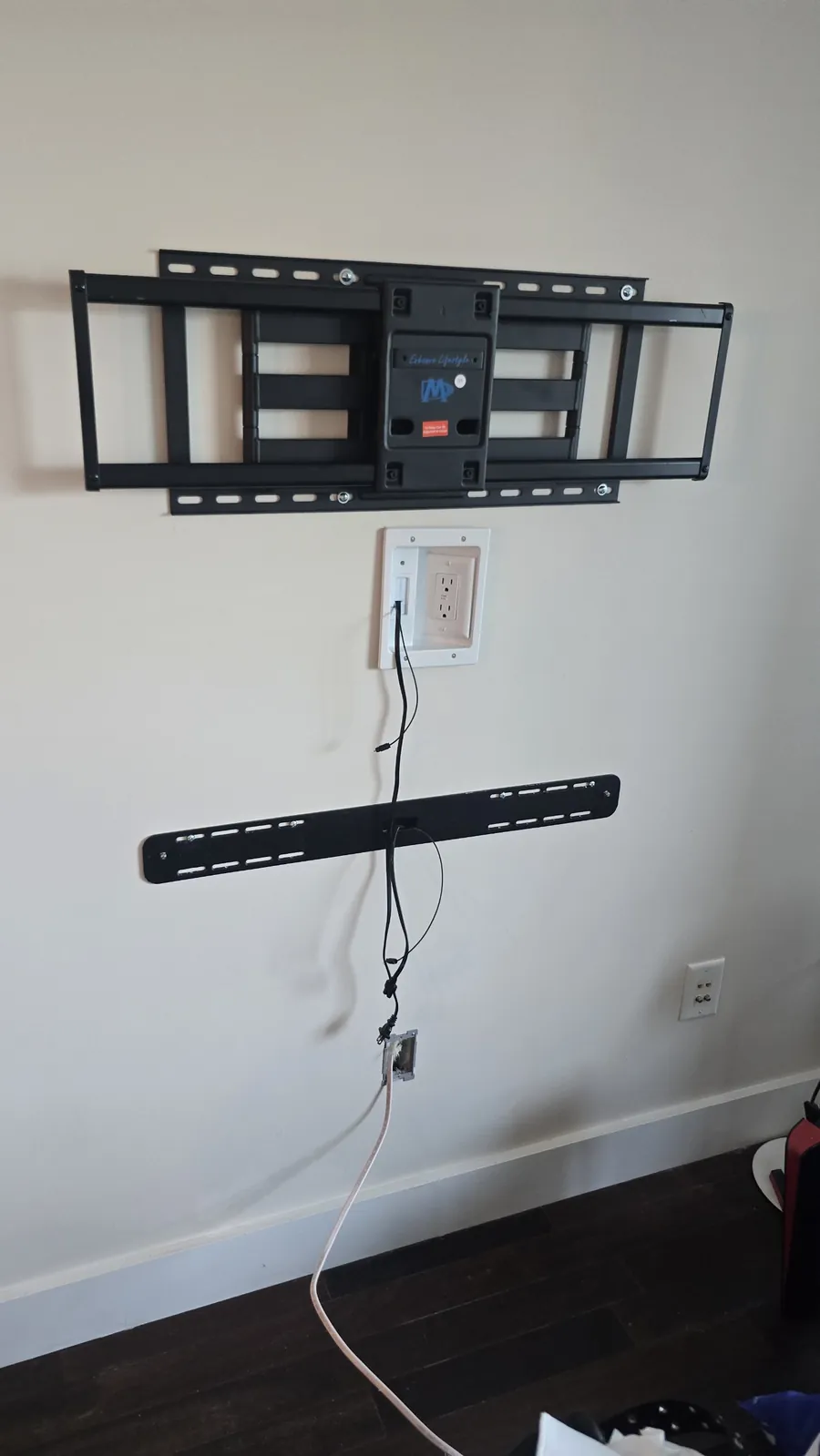
How to route the cable inside the wall
You can only run this cable straight down or straight up, not diagonally — the studs won't let you. In practice, you're limited to one hollow bay of drywall between two studs.
Before drilling, run a stud finder over the wall from top to bottom. Hollow bays between studs often have horizontal fire blocks that close off the vertical channel, and you won't be able to fish the cable through. If you find a fire block, check the neighboring bays.
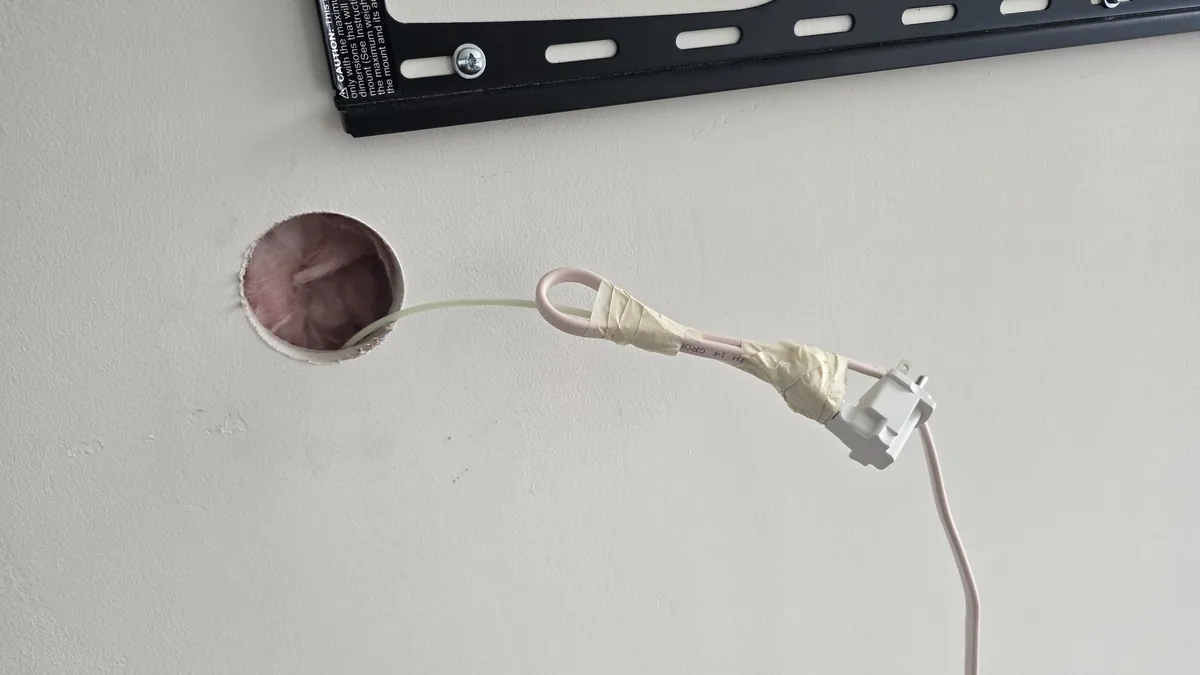
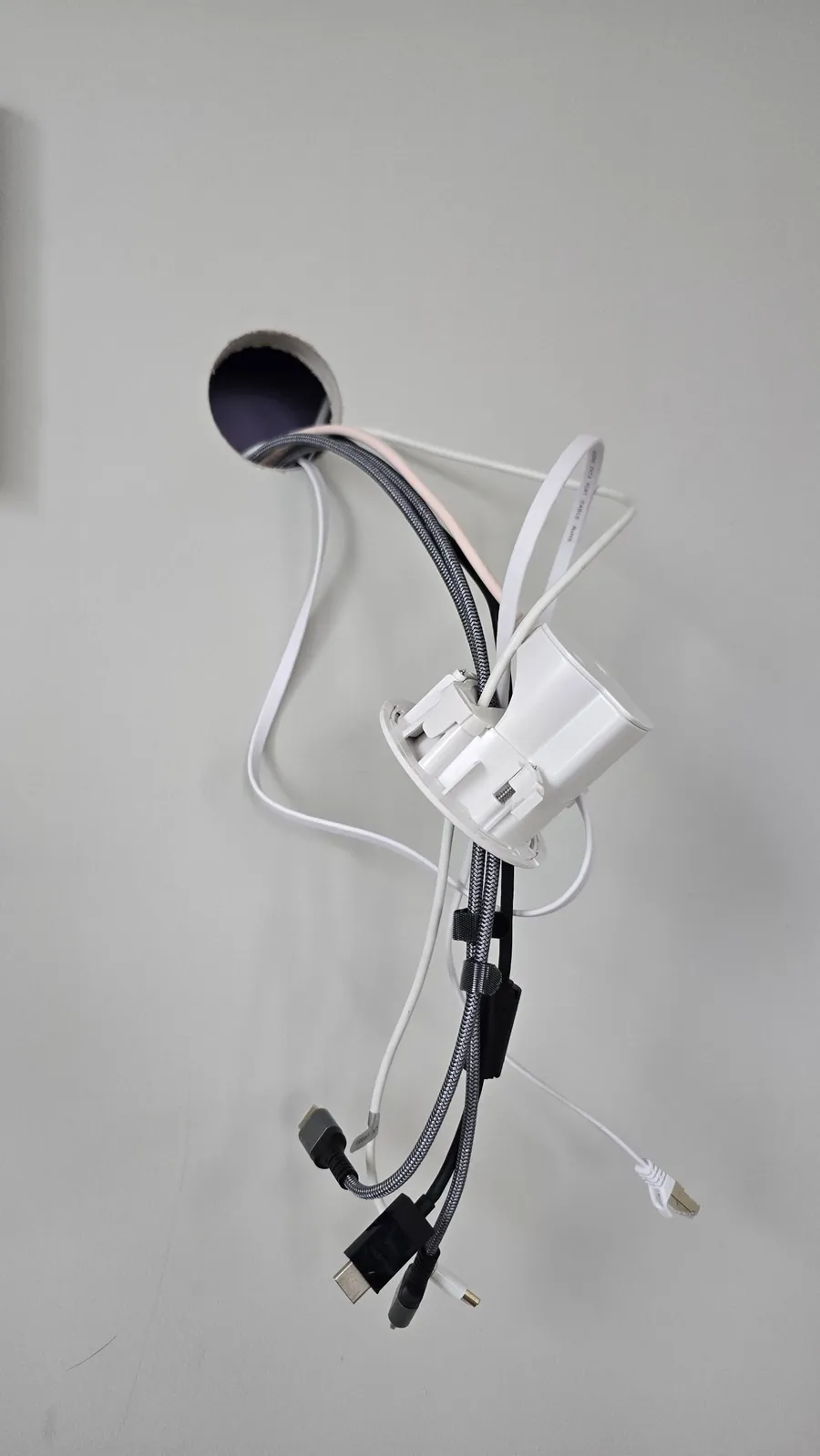
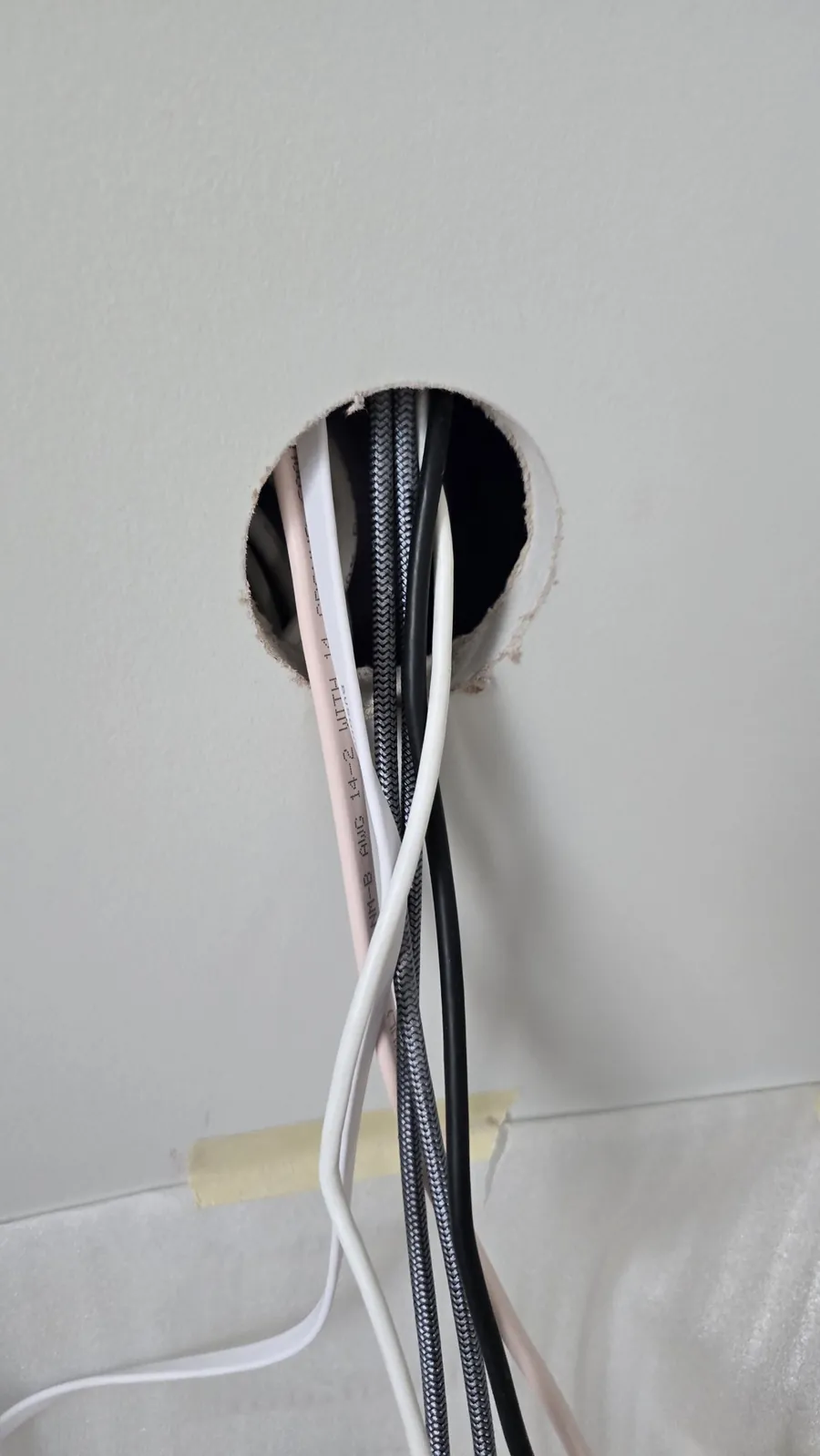
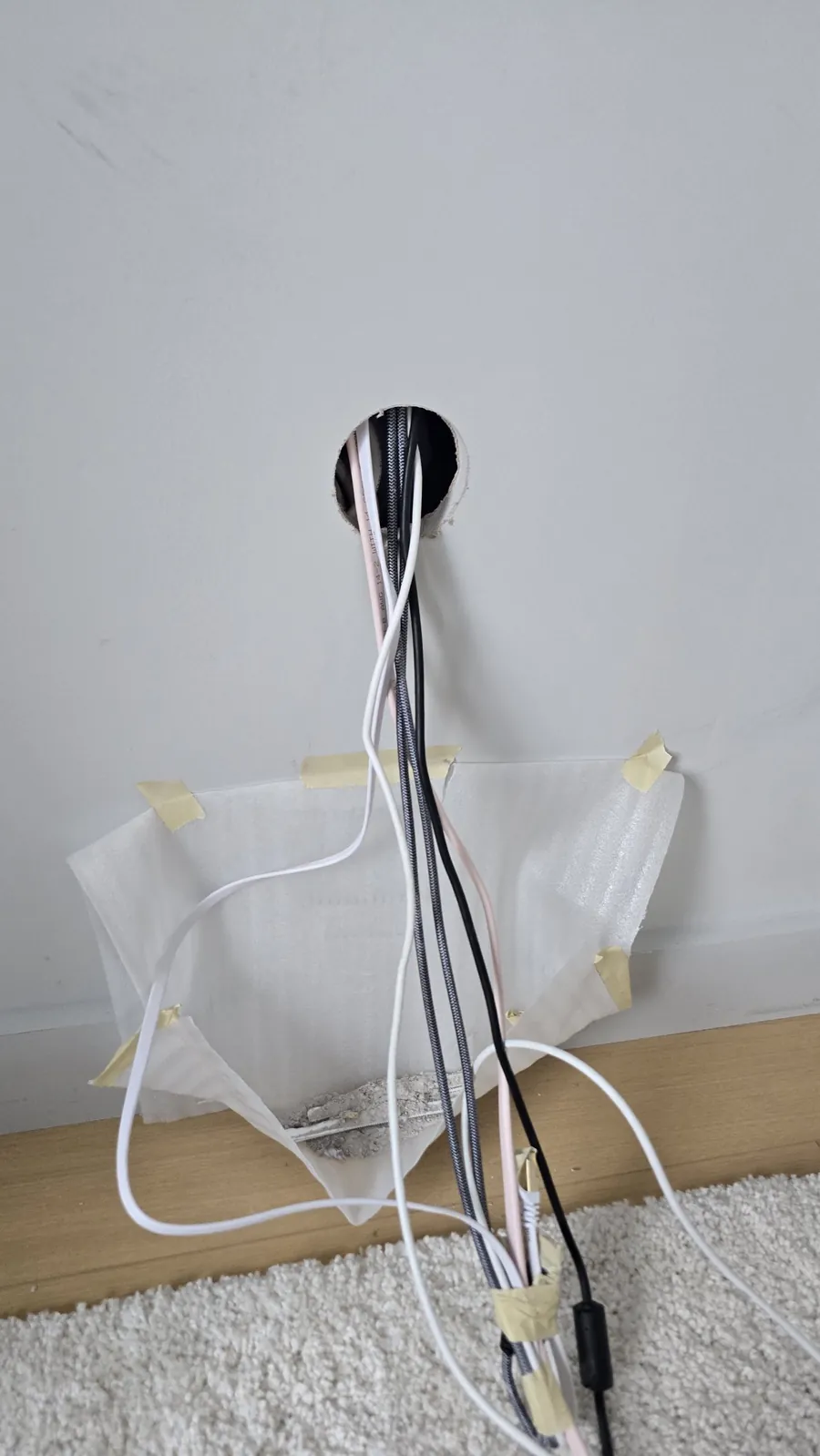
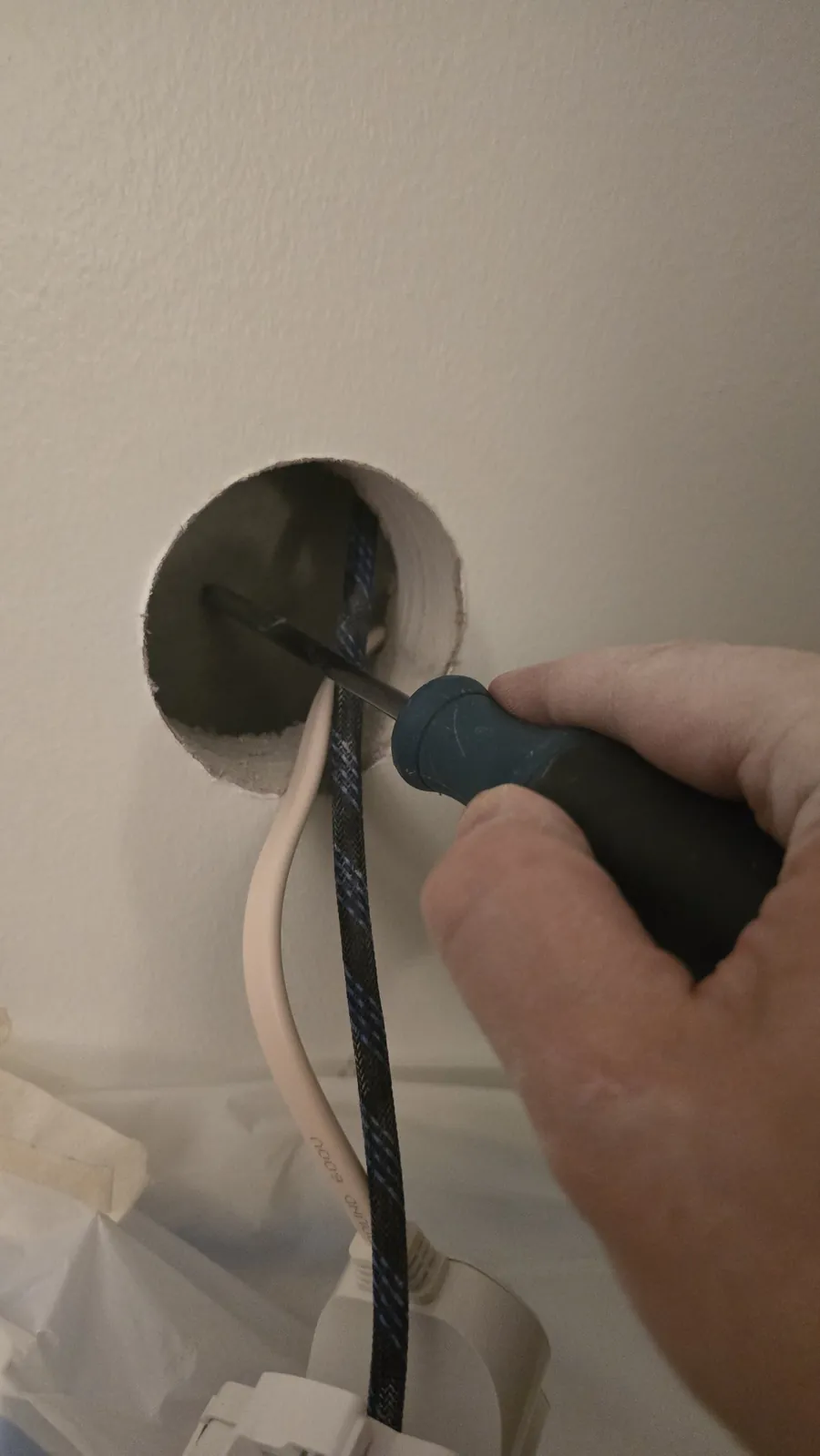
Don't cut the lower opening right next to an existing outlet — that's where the wiring runs. At best, it'll keep you from fitting the new outlet. At worst, you could damage the electrical wiring, which is much more dangerous.
How to hide a Samsung Frame TV cable
The cable that comes in the box with a Samsung Frame TV looks almost exactly like Samsung's in-wall cable, VG-SOCR86U: both are thin and translucent. That causes a ton of confusion, and many Frame owners break fire-safety rules without realizing it.
The difference is inside the jacket, and it's backed by certification:
- In-wall rated jacket: VG-SOCR86U is UL listed for in-wall installation, with an OFNP / FT6 rating (NEC Article 770, UL 1651). Its jacket is made to resist spreading flame inside a wall.
- Samsung's own answer: Samsung says the One Invisible Connection cable that comes with the TV is not rated for in-wall use.
How to tell which cable you have
- The included cable (in the box with the TV): not rated for in-wall use. Under the NEC, it can only run along the surface of the wall — for example, inside a paintable raceway.
- VG-SOCR86U (sold separately): about $170–230, 5 meters (16.4 feet) long, UL listed for in-wall installation. See it on Samsung's site.
- Don't mix it up with VG-SOCR15: that 15-meter (49-foot) cable is for long runs, not for in-wall installation.
The big catch: compatibility
If you decide to buy this cable, be very careful with your TV's model year. Samsung changes One Connect connectors every year or two. VG-SOCR86U was made for 2019 models (The Frame LS03R). Retailers list it as compatible with some later years too, but even they recommend checking with Samsung first. Before you buy, confirm compatibility with Samsung for your exact model number.
The 2026 Frame doesn't have a One Connect Box at all — its ports are on the TV itself, so the power cord and any HDMI cables run straight to the screen. The Frame Pro uses a Wireless One Connect Box, so the screen only needs power. In both cases, the only code-compliant way to get power through the wall is an in-wall power kit (see above). If you run HDMI inside the wall, use an in-wall rated (CL2 or CL3) cable.
If no in-wall cable fits your model, your options are a recessed media box behind the TV or a paintable raceway along the wall.


 Background check & business verification for Google Local Services