Step by step
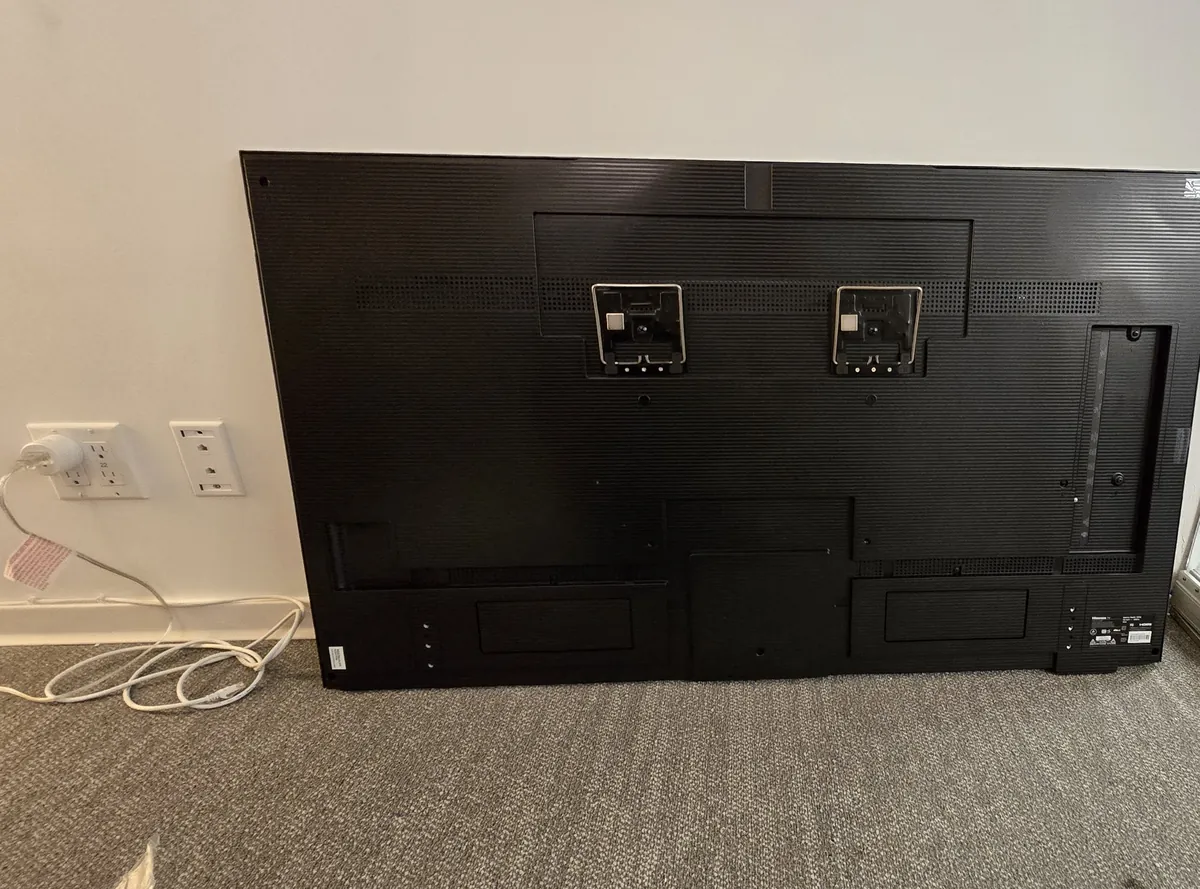
Unbox your Hisense CanvasTV. You'll need access to its back panel.
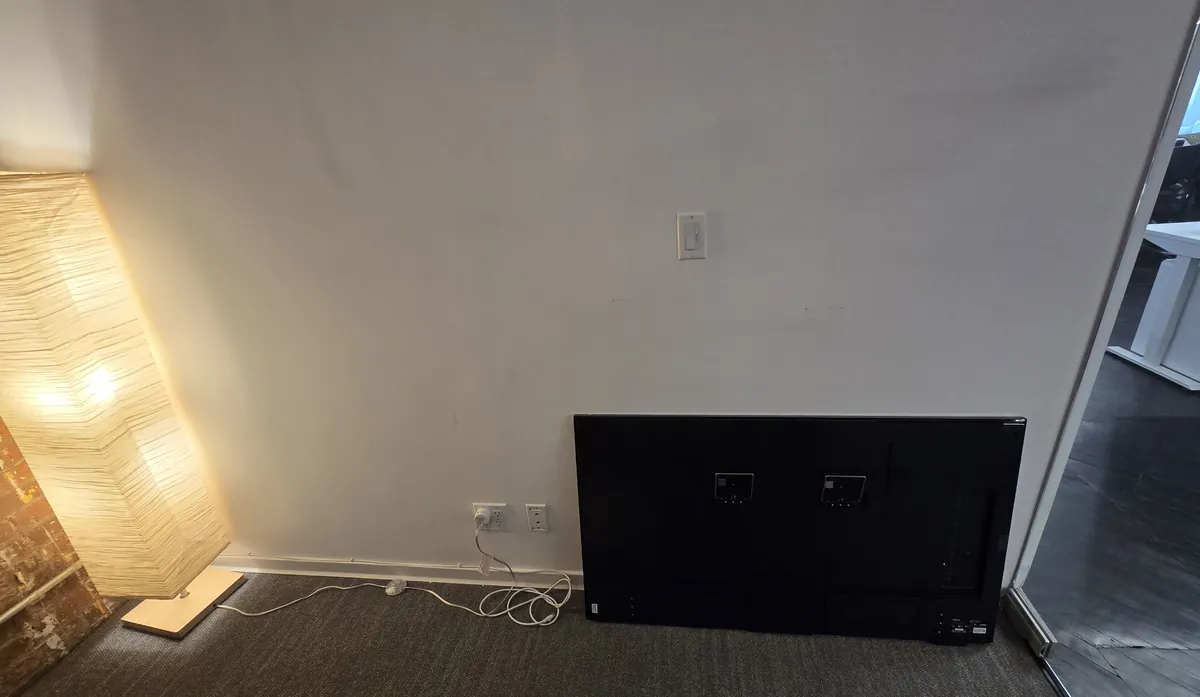
Attach the two metal brackets from the Hisense mounting kit to the back panel.
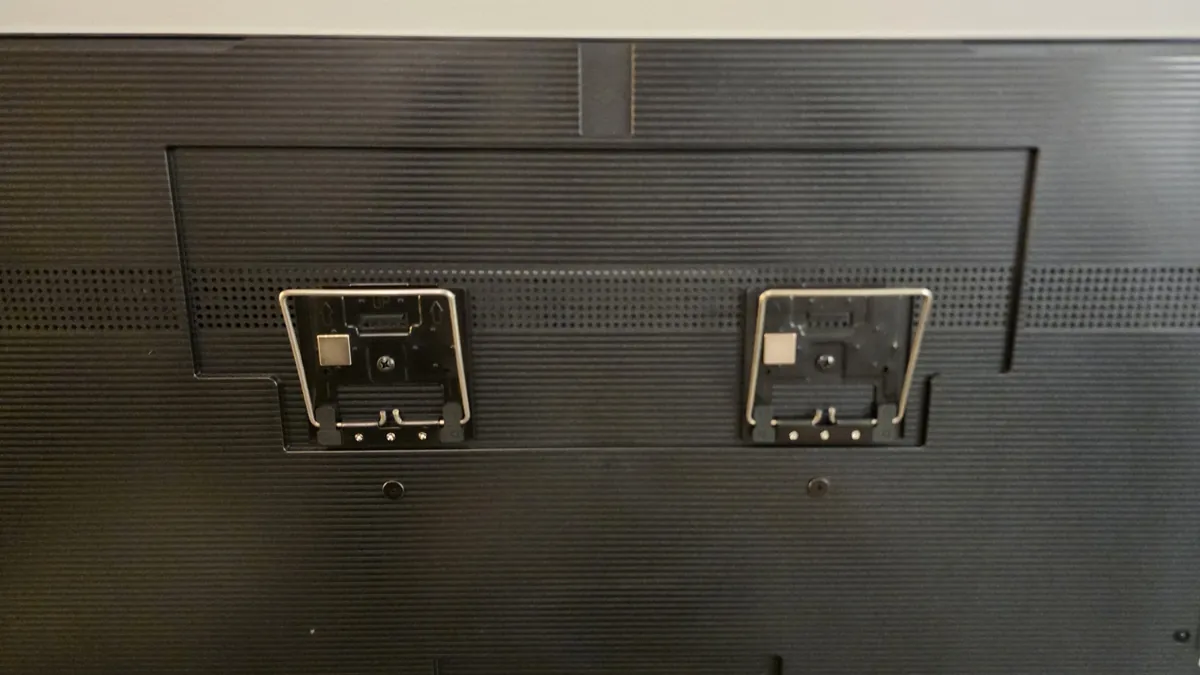
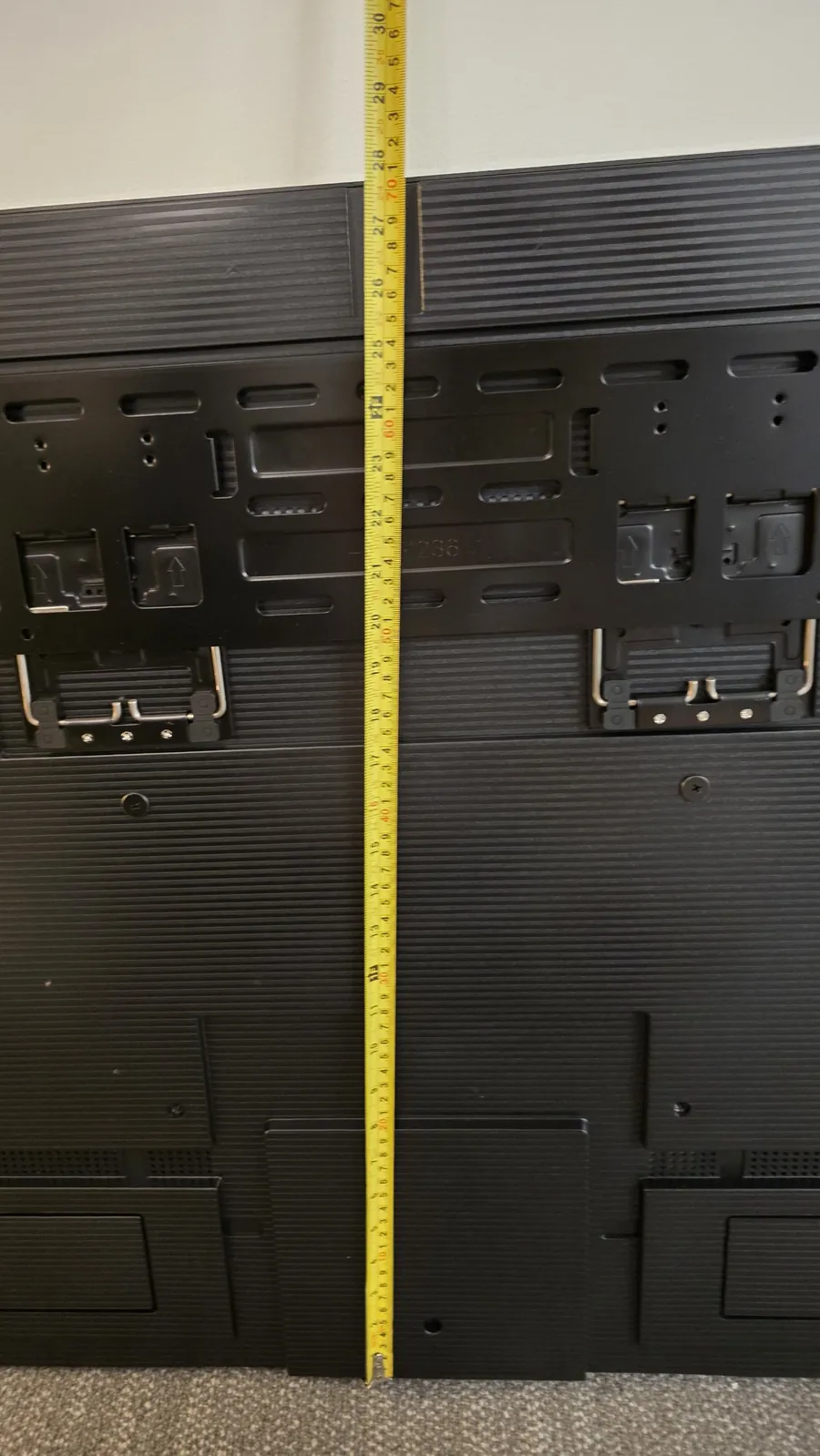
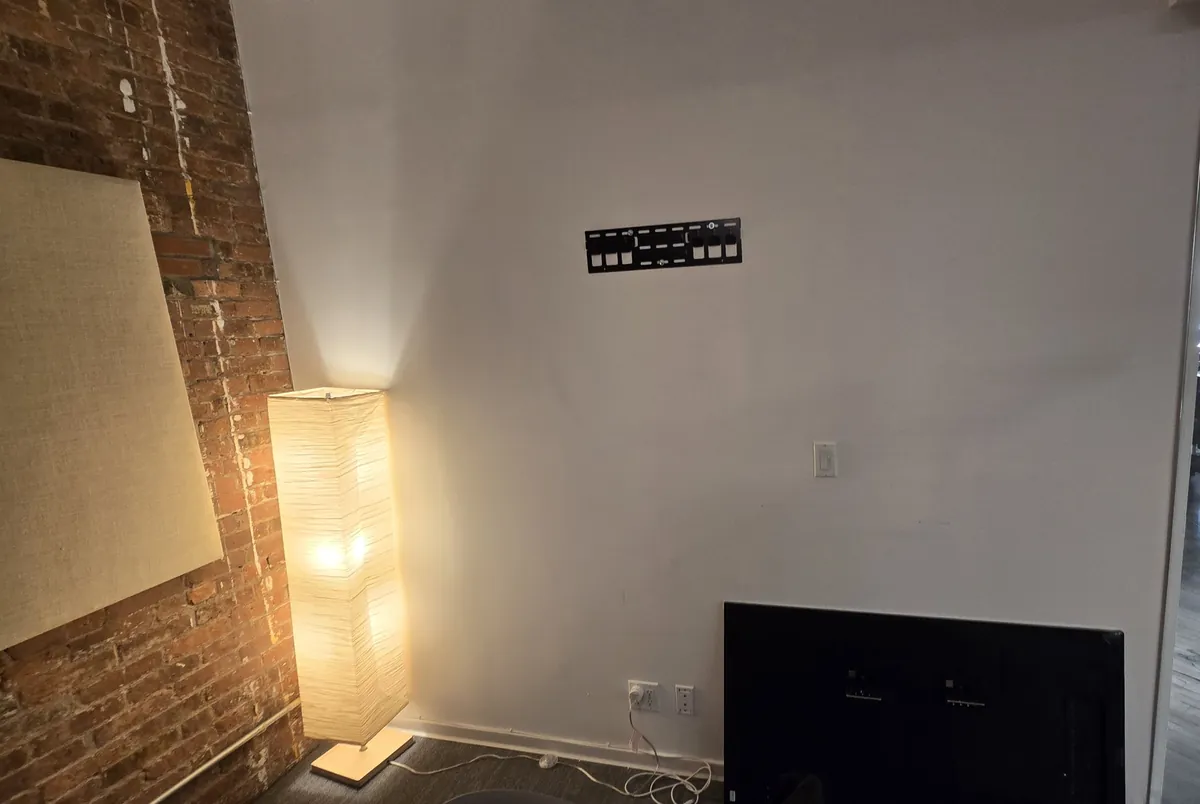
Attach the TV mount to them and measure the distance from the mount to the bottom edge of the TV. This number tells you how high the TV will sit on the wall and where to fasten the mount.
If you have drywall with metal studs, you'll need flip toggle bolts on top of the standard anchors to fasten the TV mount to the metal studs.
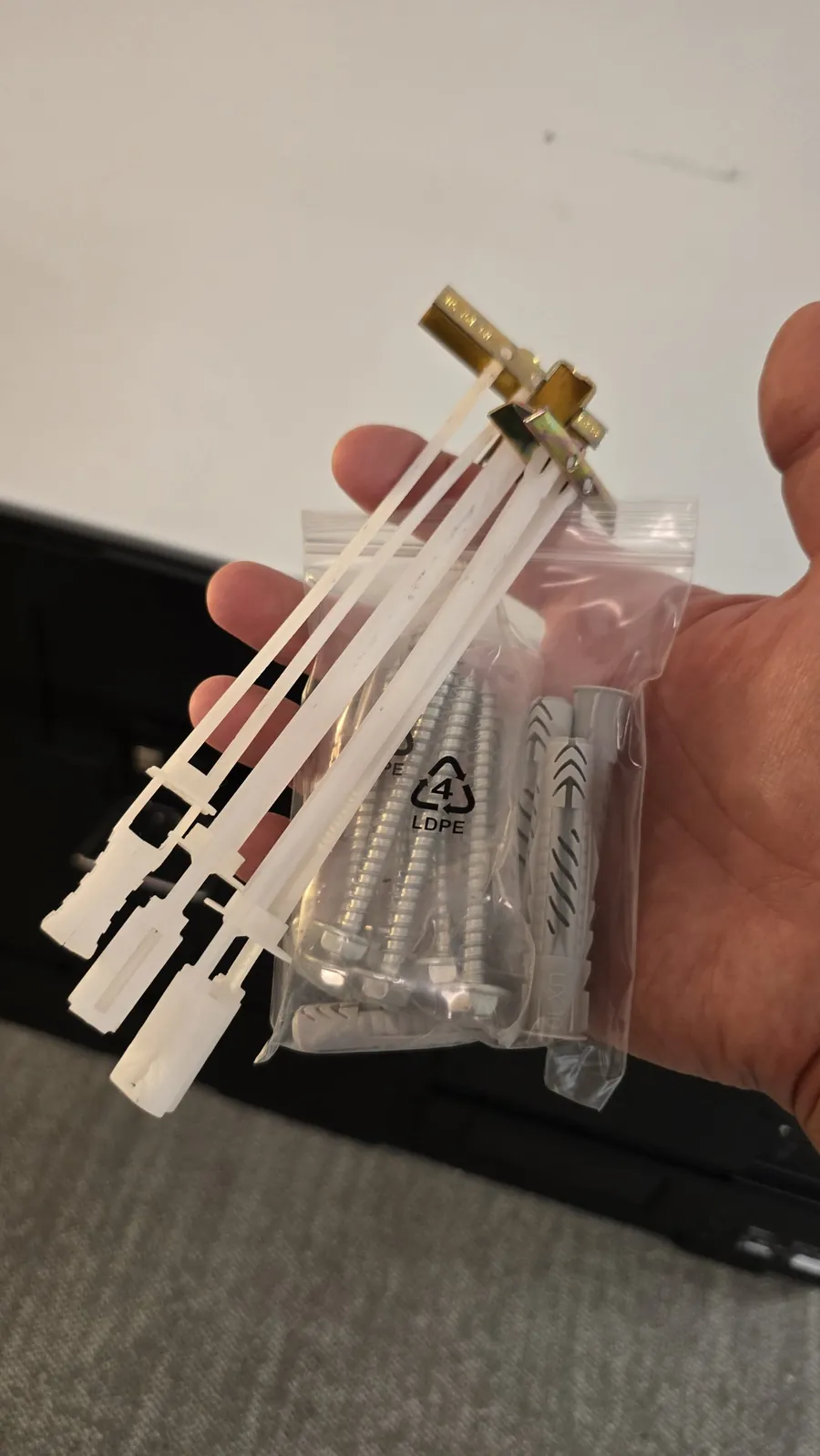
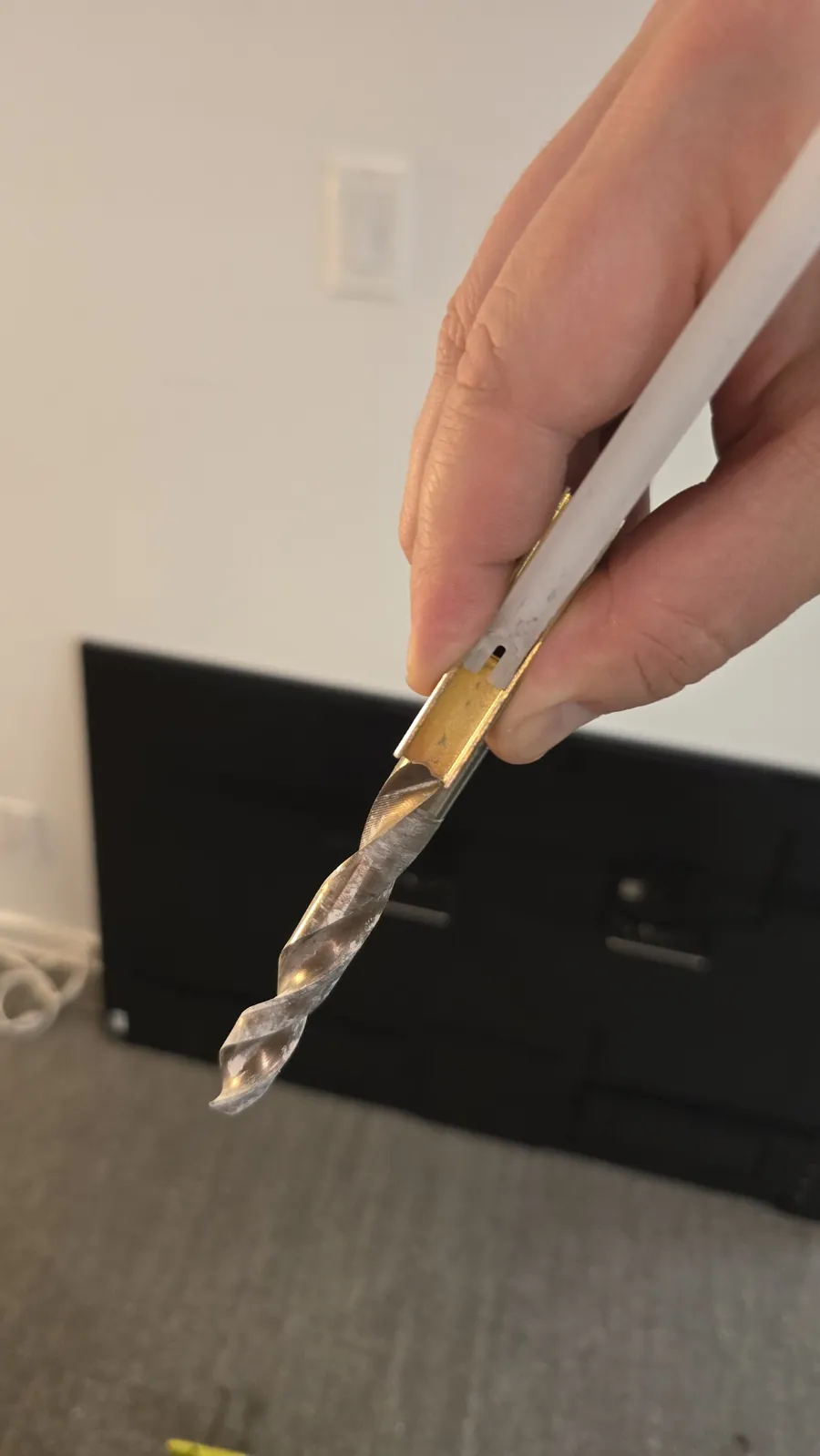
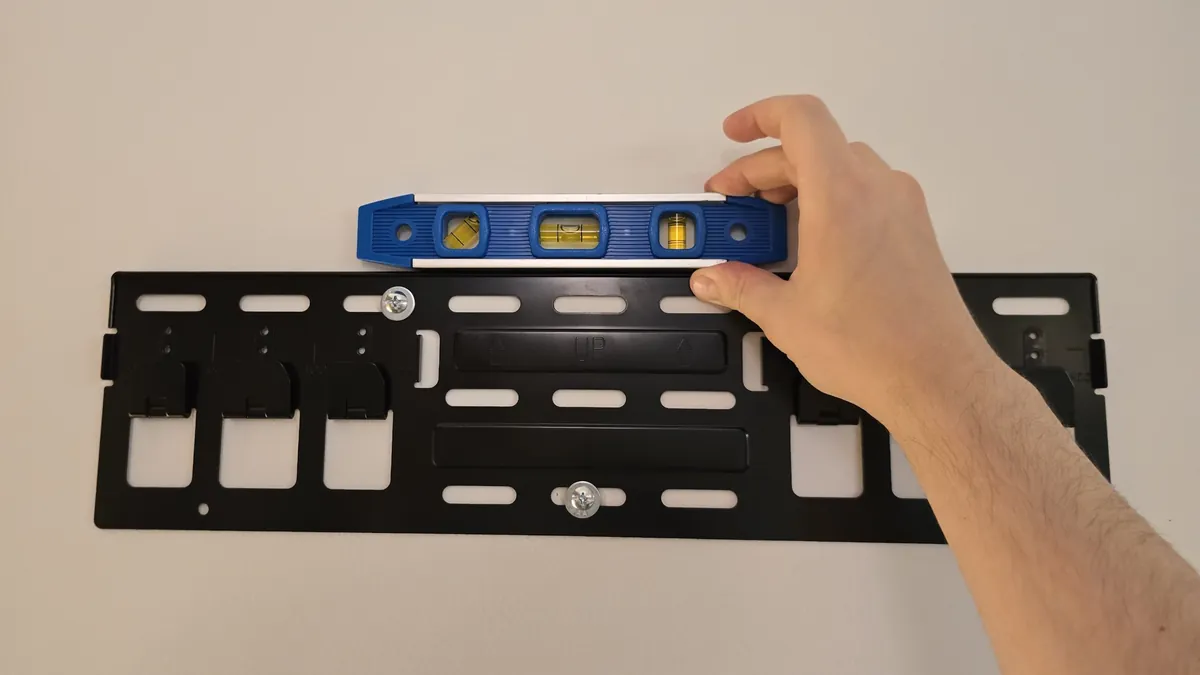
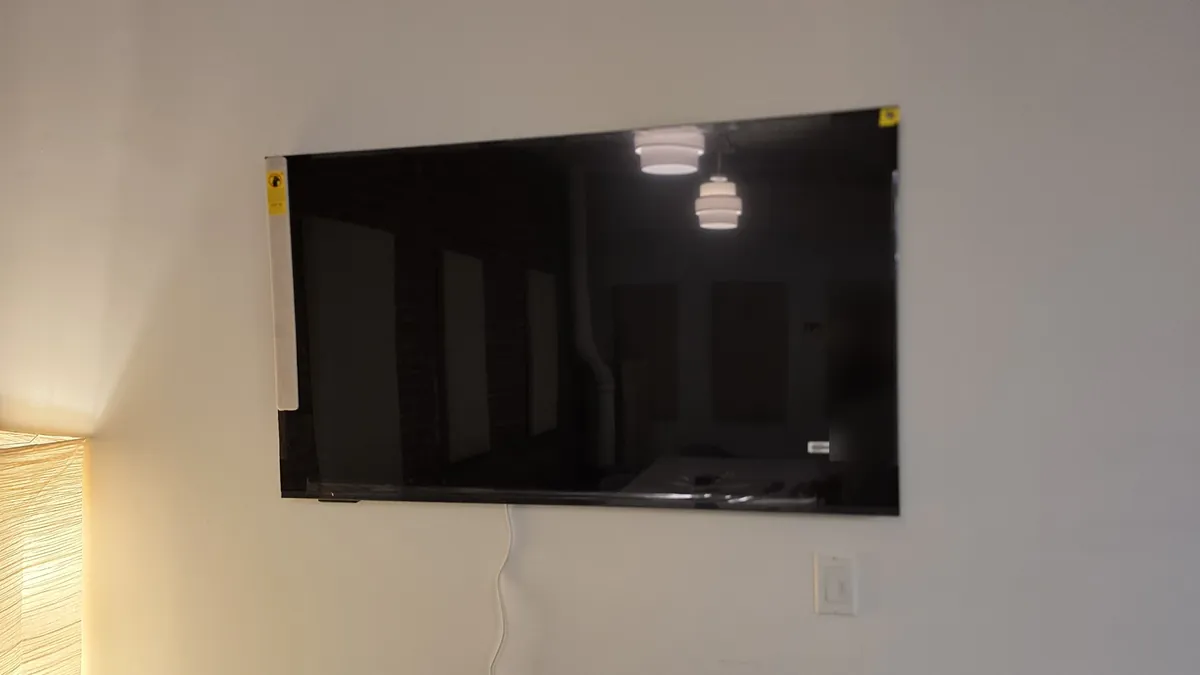
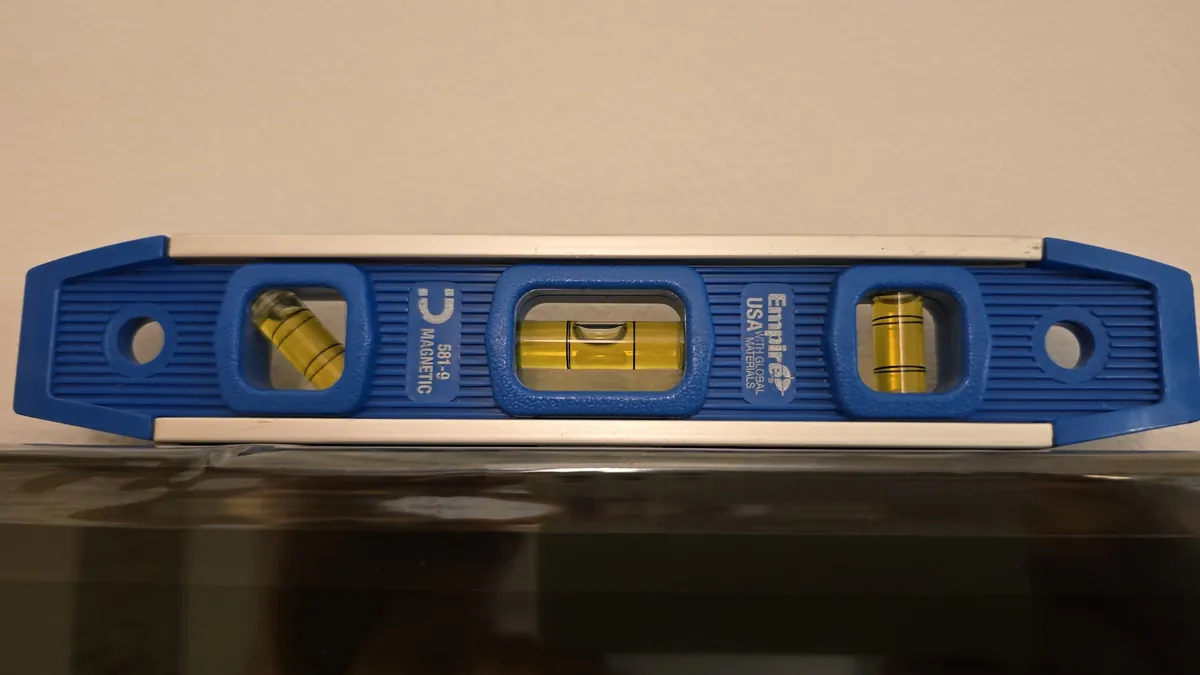
Make sure the TV mount is perfectly level.
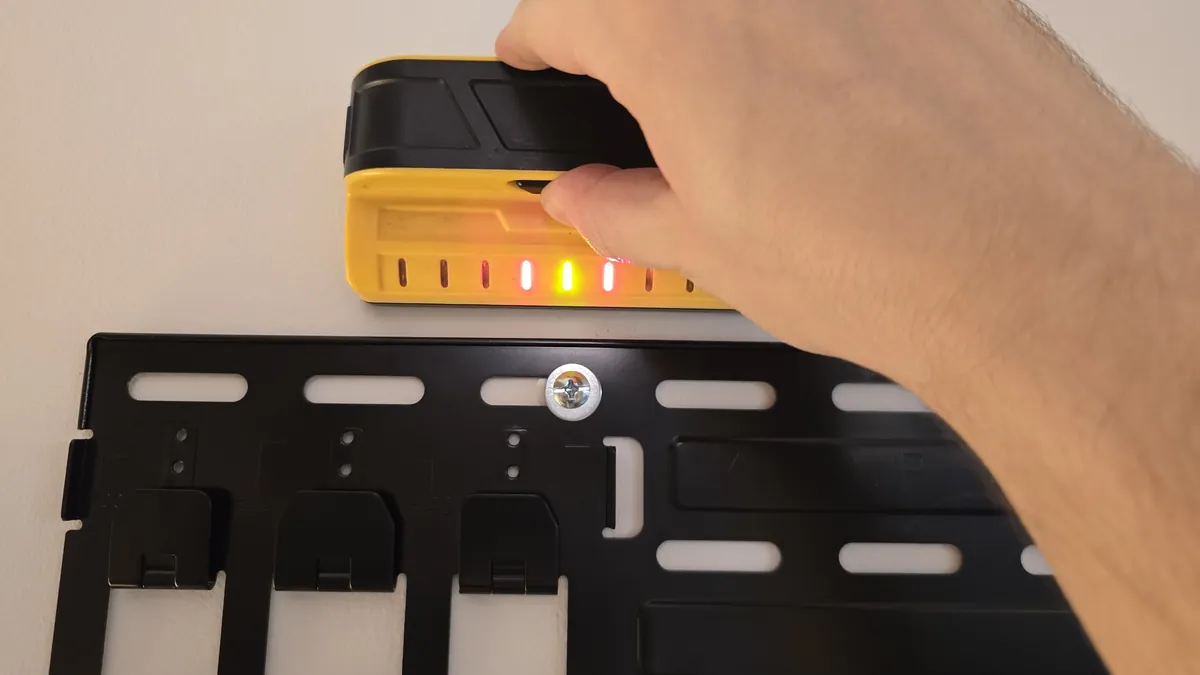
The stud finder photo is just for illustration. Hang the TV on the wall and check that it's level. If the mount was level but the TV hangs crooked, some of the mount's latches may not have clicked into place when you hung the TV. Carefully try to fix that.
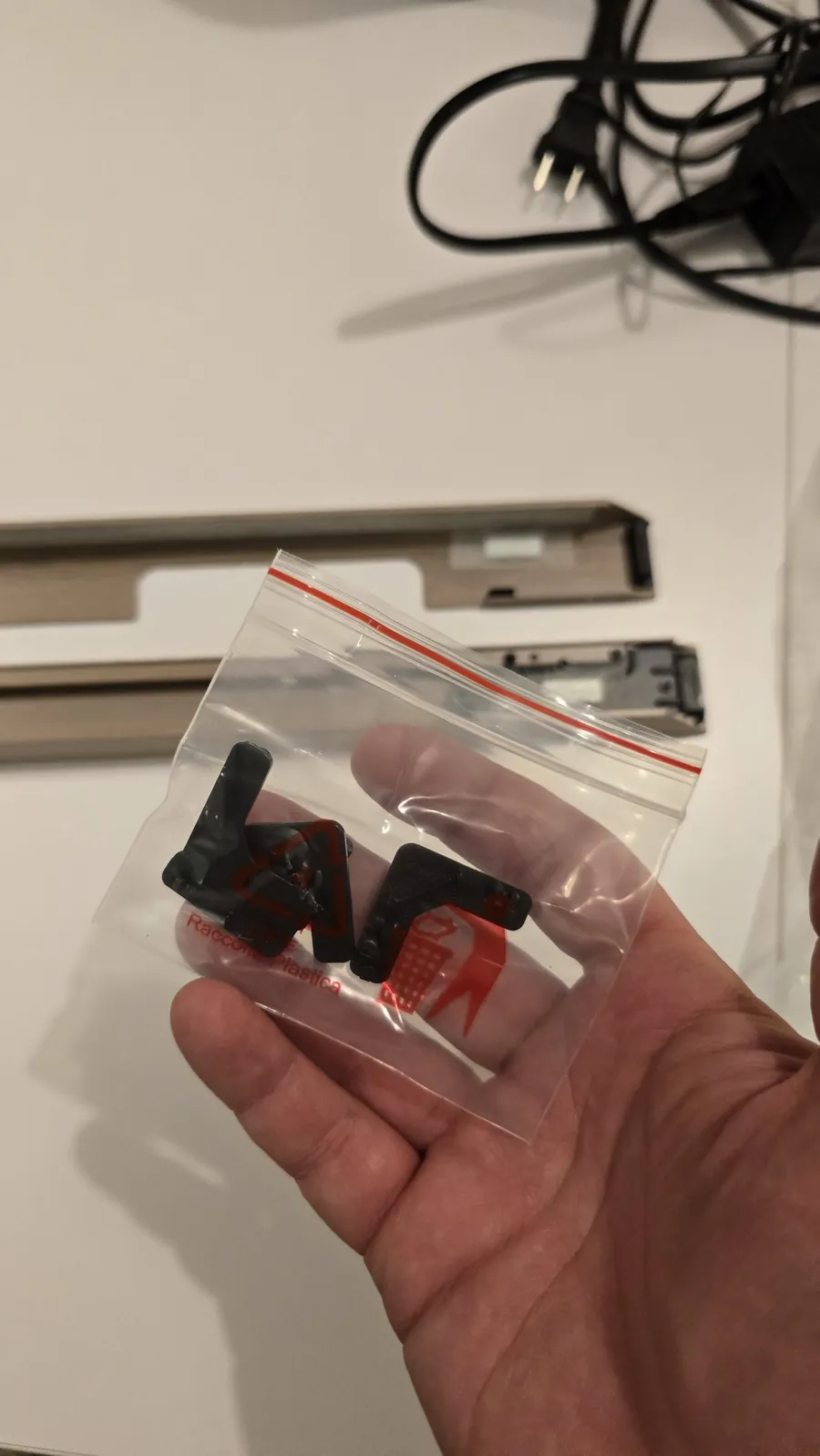
Put on the frame. Take out the plastic connectors — the photos show how they work. Only join the frame pieces together on the TV itself.
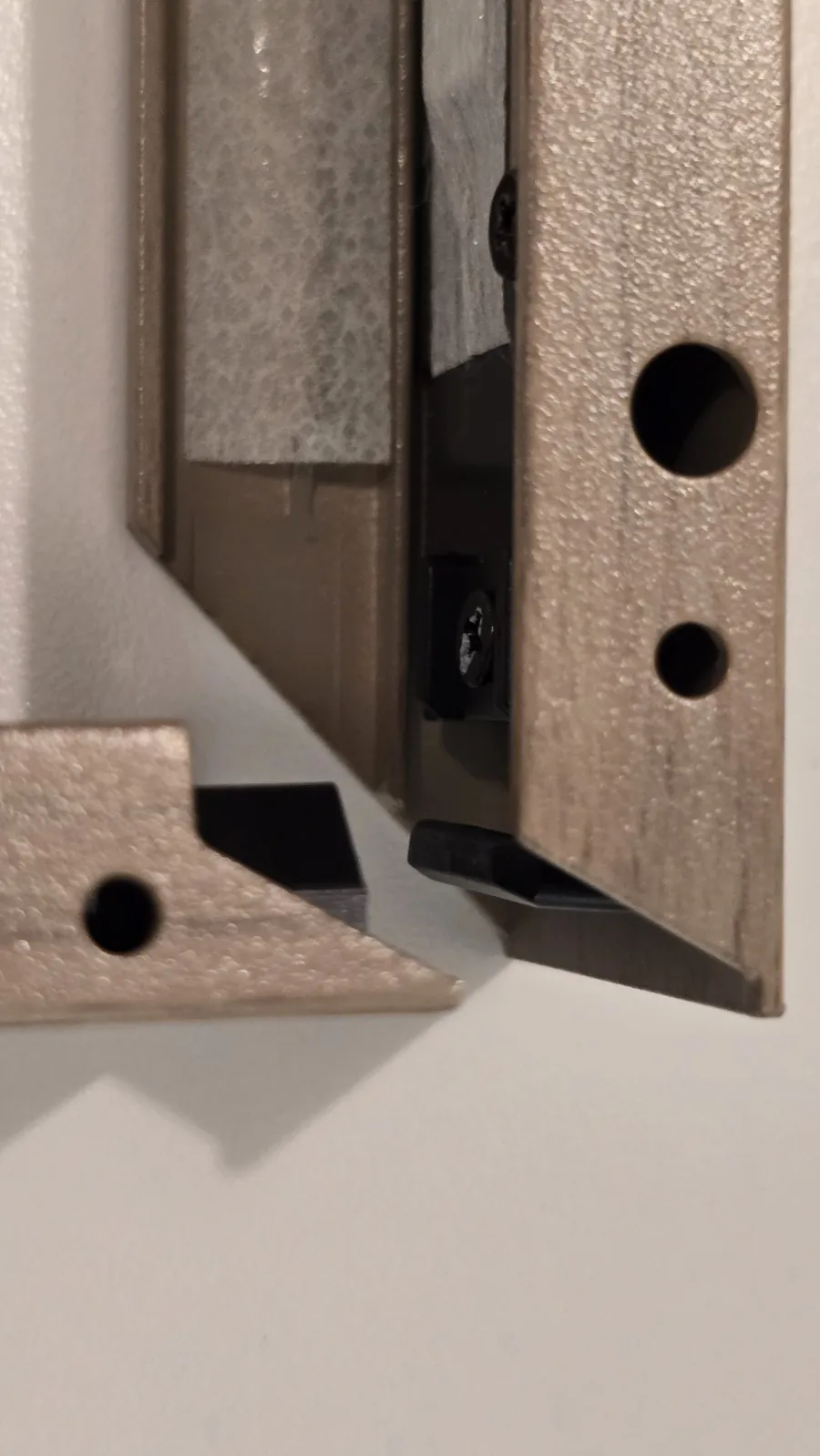
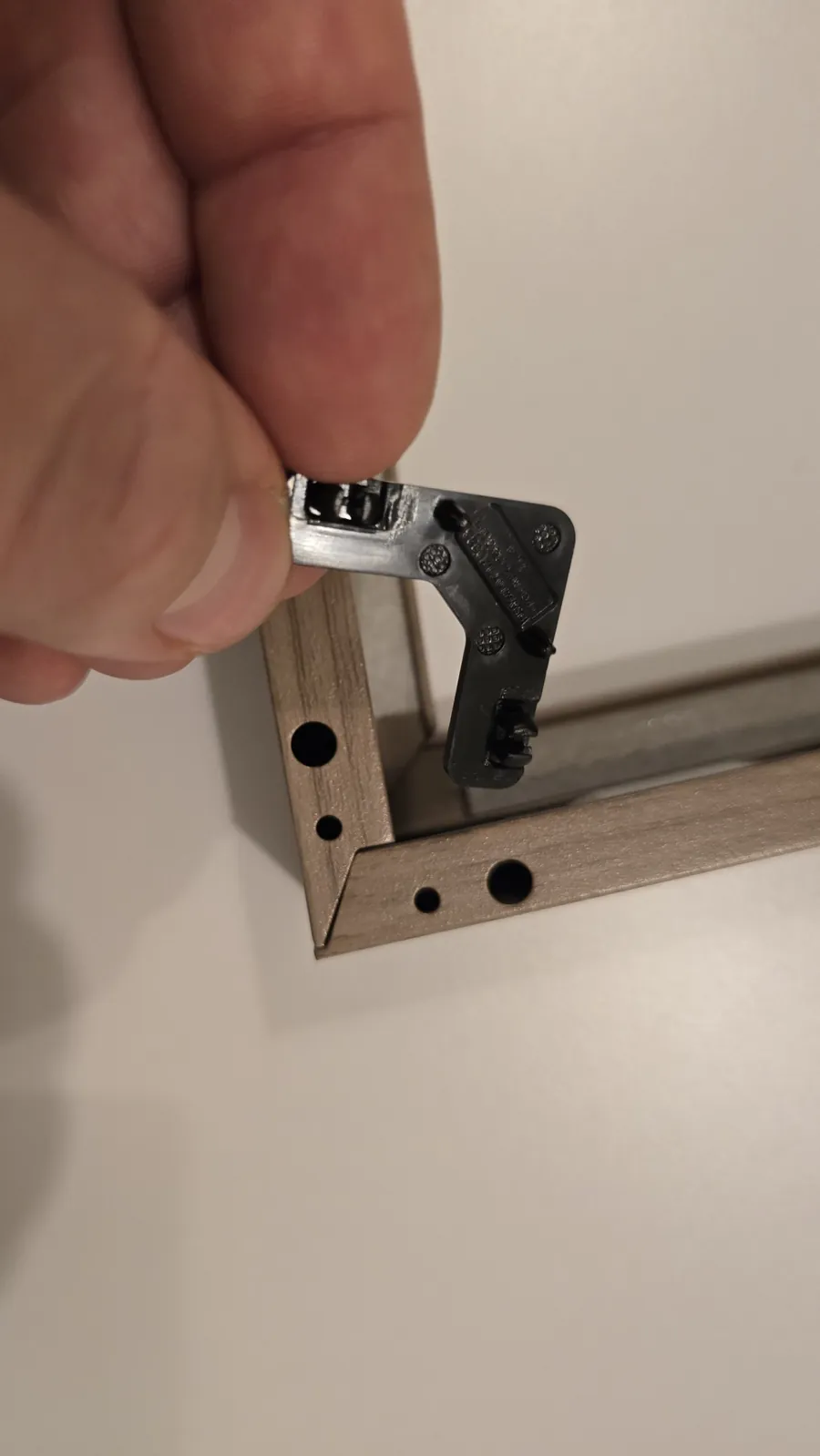
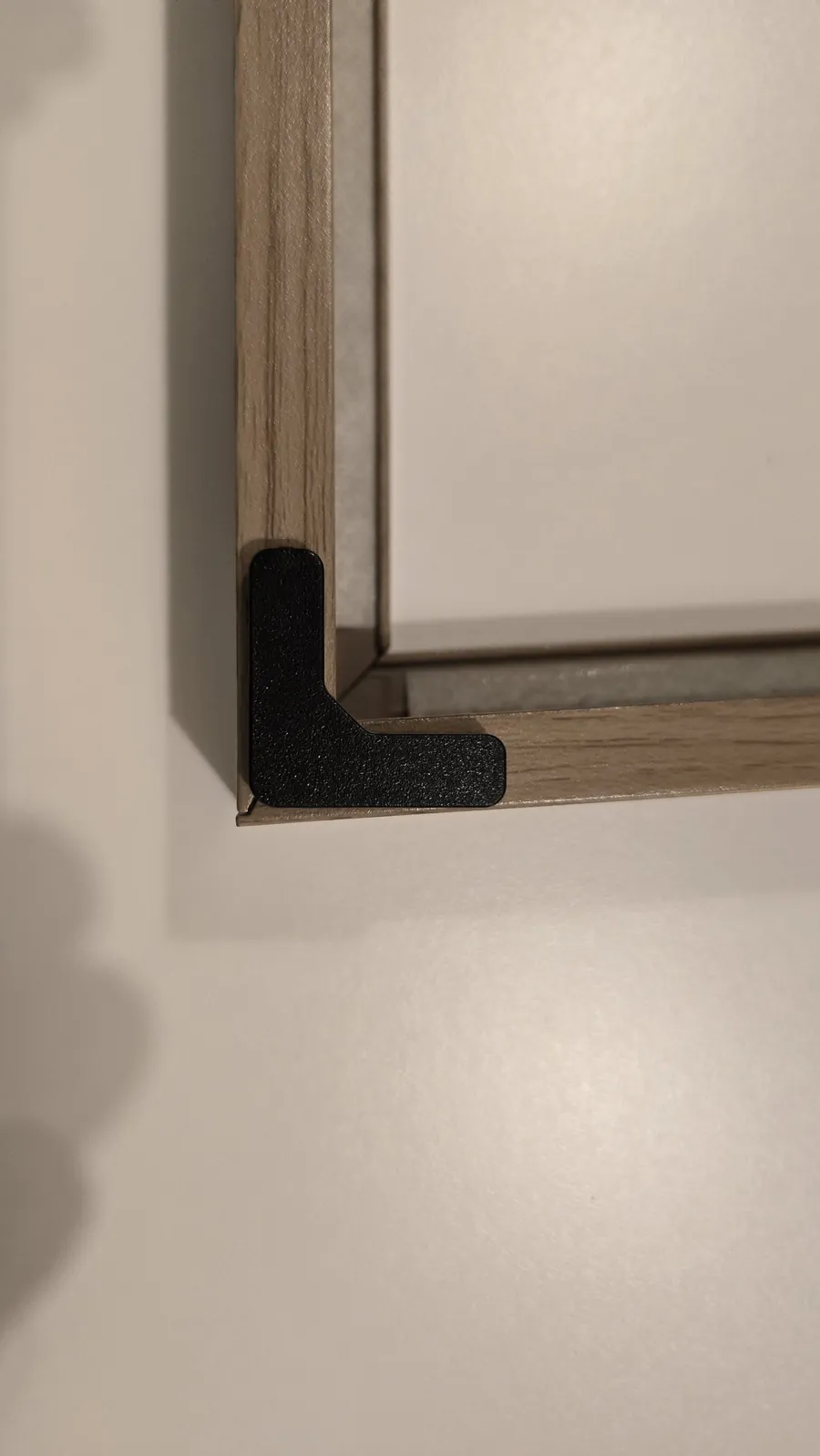
Start with the bottom piece of the frame. On the left, it has a cutout for the bump of the TV's bottom input panel. Then attach the top piece. Put the side pieces on last.
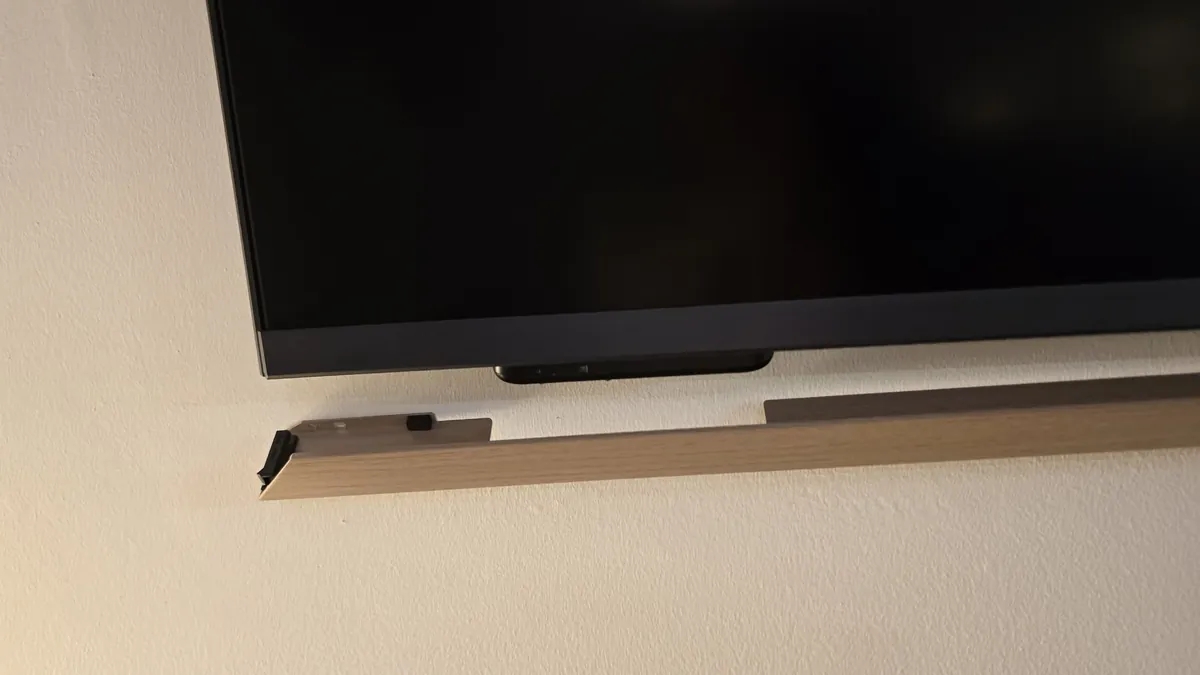
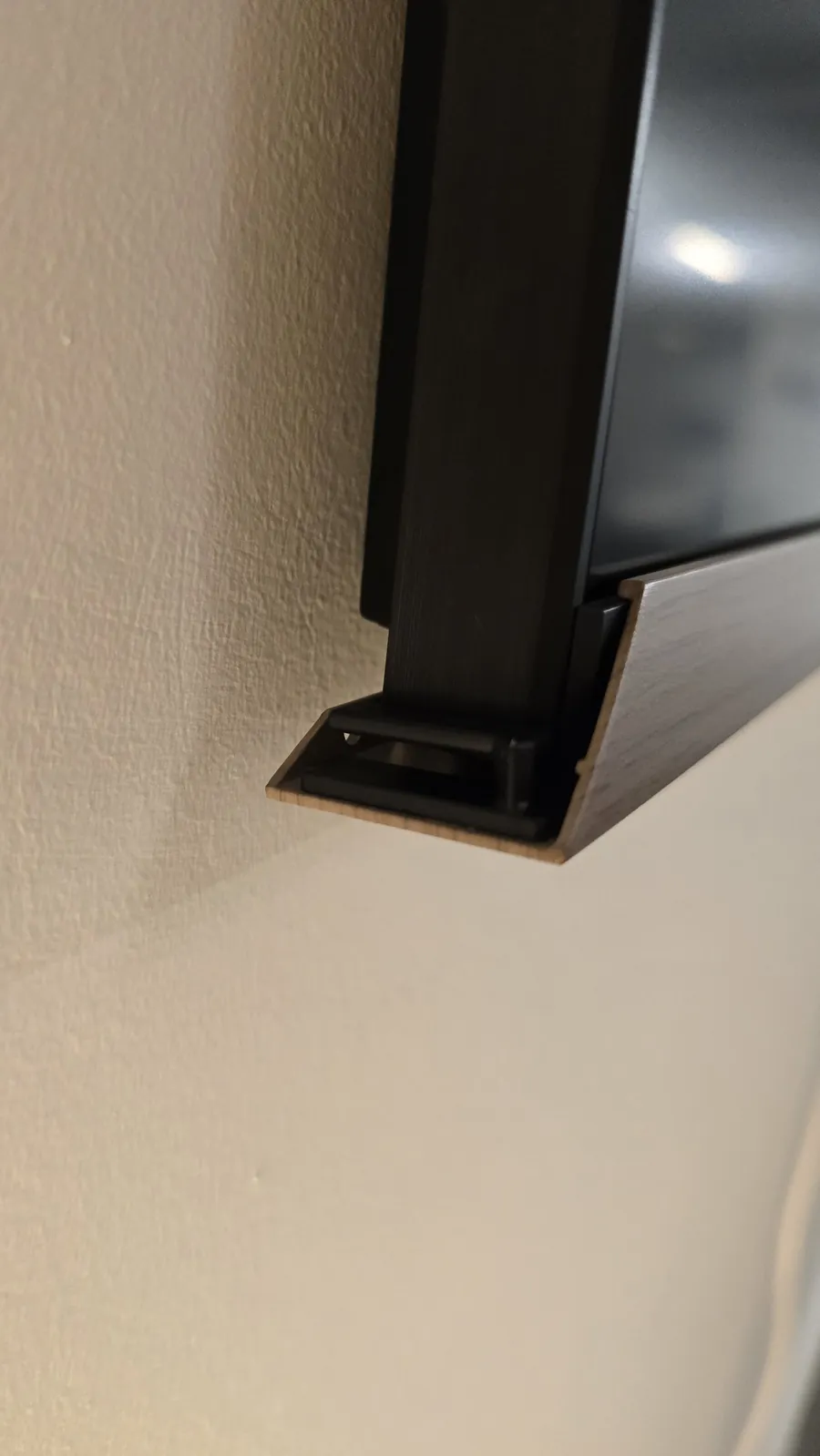
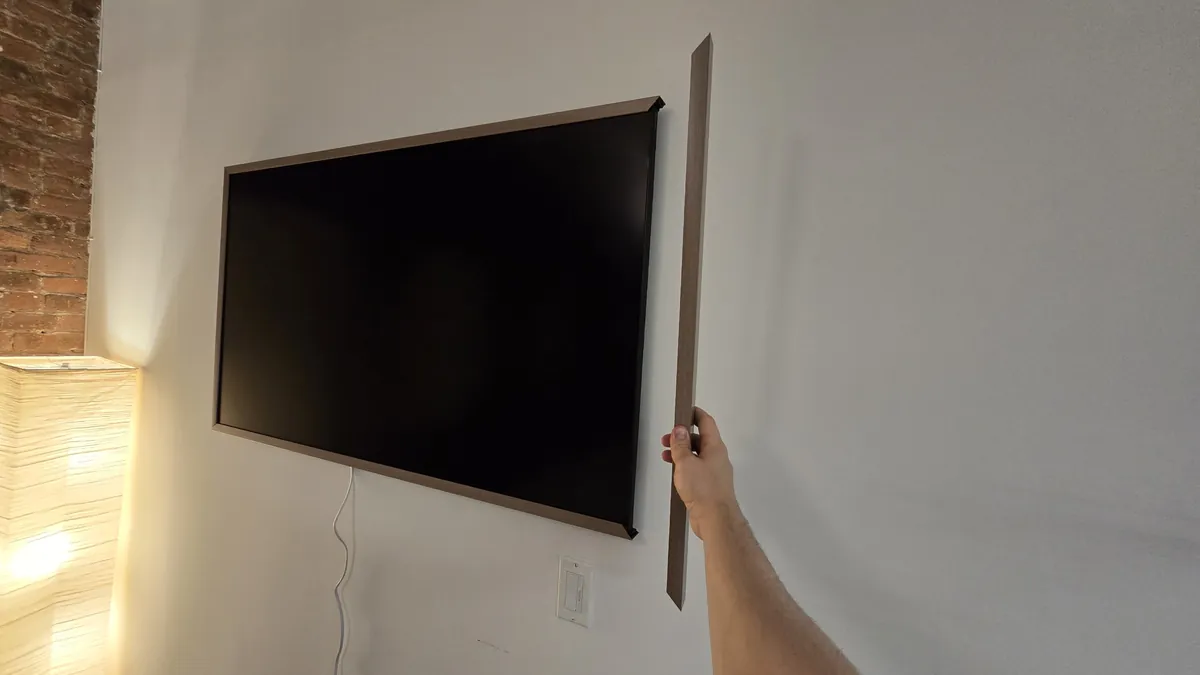
Your Hisense CanvasTV is ready and looks great!
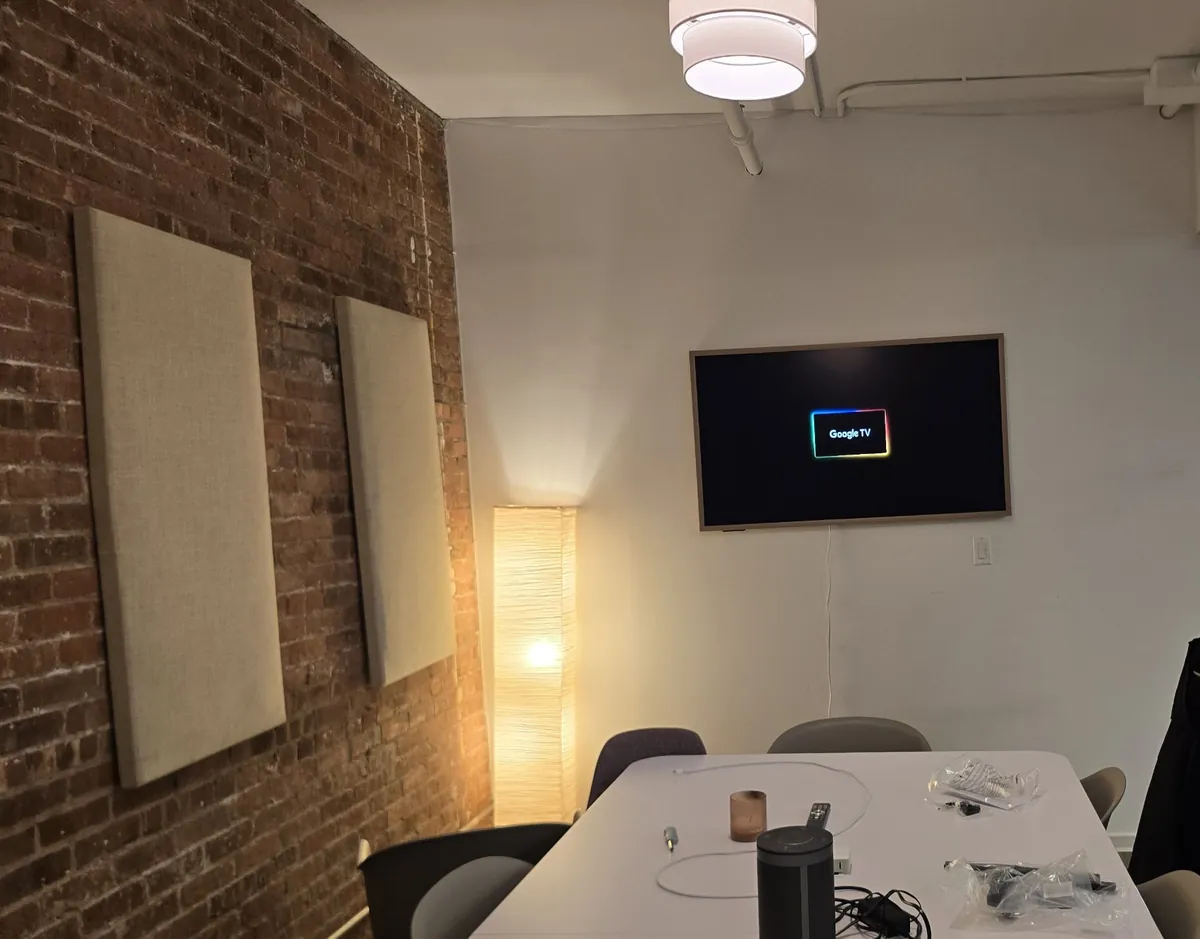
If you're in New York City or Jersey City and would rather not do this yourself, we can send a pro to your home or office.


 Background check & business verification for Google Local Services